Medicare Sign Up – How to Set Up Your Medicare Account
If you’re trying to sign up for Medicare online in Australia, the process runs through myGov rather than a separate Medicare website. This guide walks you through creating your Medicare online account step by step, so you can start managing your claims, card, and details from home.
What Is a Medicare Online Account?
Your Medicare online account is where you manage everything related to your Medicare card and benefits without needing to call or visit a service centre. It’s accessed through myGov, the Australian Government’s single sign-in portal, rather than through a standalone Medicare website or app on its own.
What You Need Before You Sign Up
Before you start, make sure you have:
- A valid Medicare card number, if you already have one
- An email address to create or sign in to myGov
- A device with internet access
- A few minutes to complete identity verification
If you don’t yet have a Medicare card, you’ll need to enrol for one first through Services Australia before you can set up online access.
Step-by-Step Guide: How to Sign Up for Medicare Online
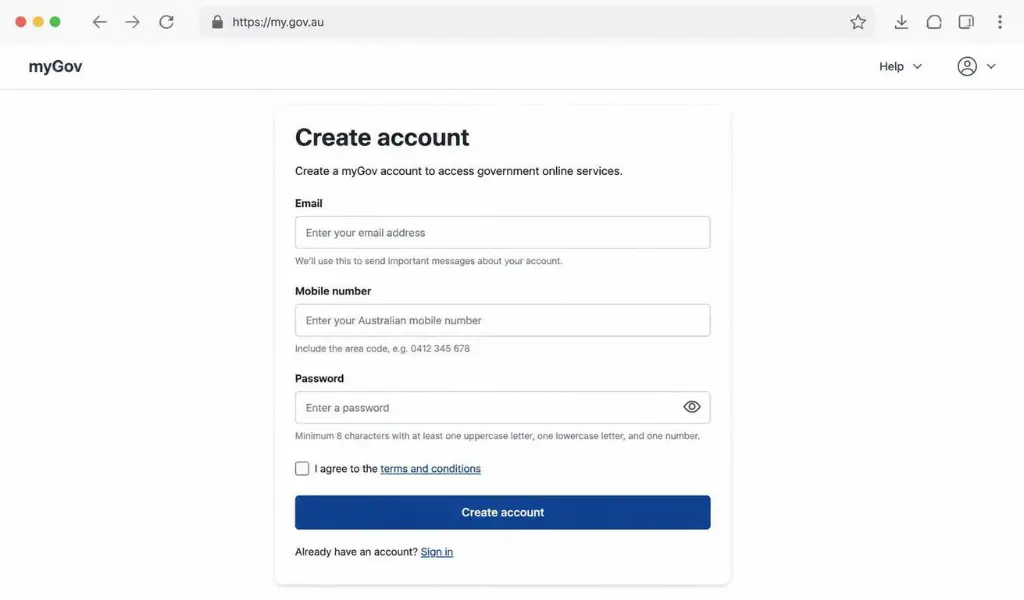
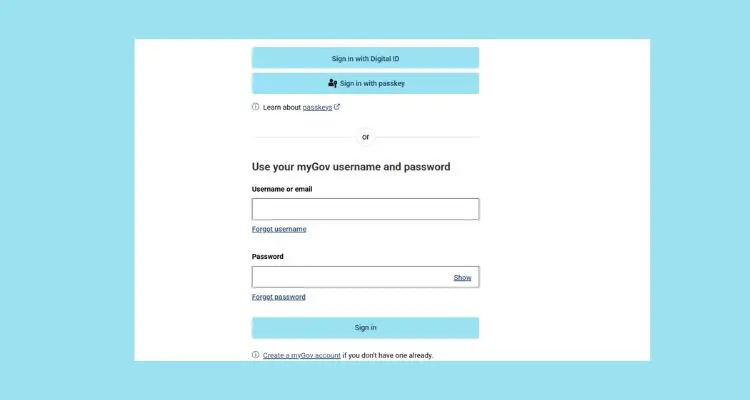
- Go to my.gov.au and select Create Account, or sign in if you already have a myGov account.
- Enter your email address and create a secure password.
- Set up your sign-in option, such as SMS codes or the myGov code app.
- From your dashboard, select Link a service.
- Choose Medicare from the list of services.
- Enter your Medicare card number and personal details to verify your identity.
- Follow the prompts to complete the linking process.
Once linked, Medicare will appear on your myGov dashboard every time you sign in.
Signing Up for Medicare If You’re New to Australia
If you’re a new resident, migrant, or visa holder who hasn’t yet been issued a Medicare card, the process starts differently:
- Check your eligibility for Medicare, based on your visa or residency status.
- Enrol for a Medicare card in person at a Services Australia service centre, or by post, with the required identity documents.
- Once your Medicare card is issued, follow the standard steps above to link it to myGov and set up your online account.
Some visa holders from countries with a reciprocal health care agreement with Australia may be eligible for limited Medicare benefits even before receiving a full card.
What You Can Do Once You’ve Signed Up
After your Medicare online account is set up, you can:
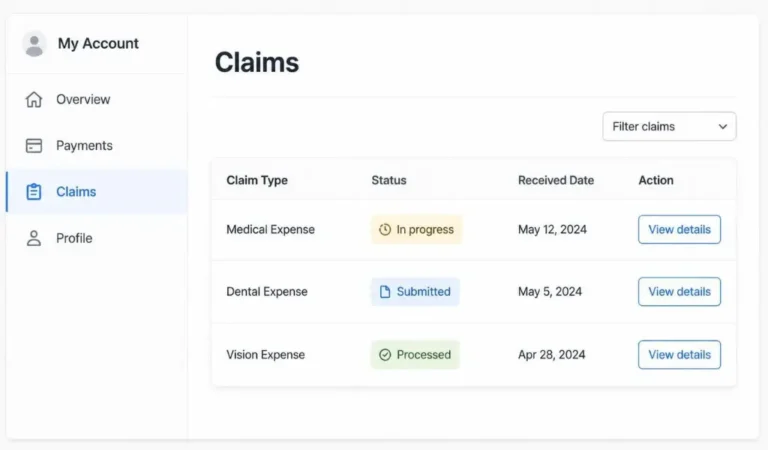
- View your claims history and processed benefits
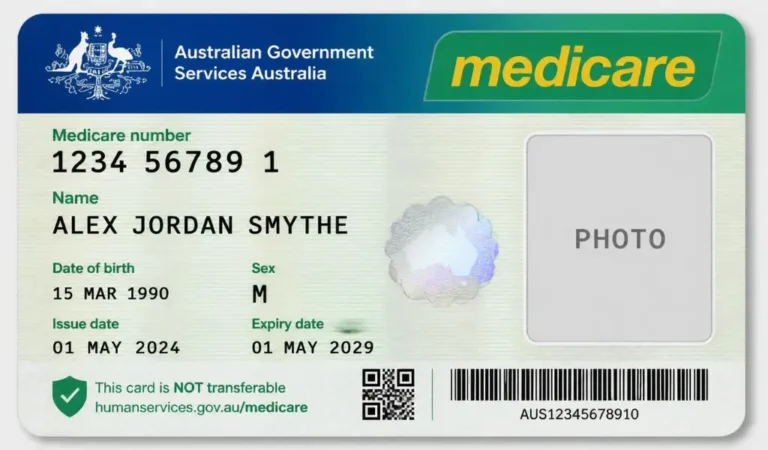
- Check your Medicare card details and request a replacement if needed
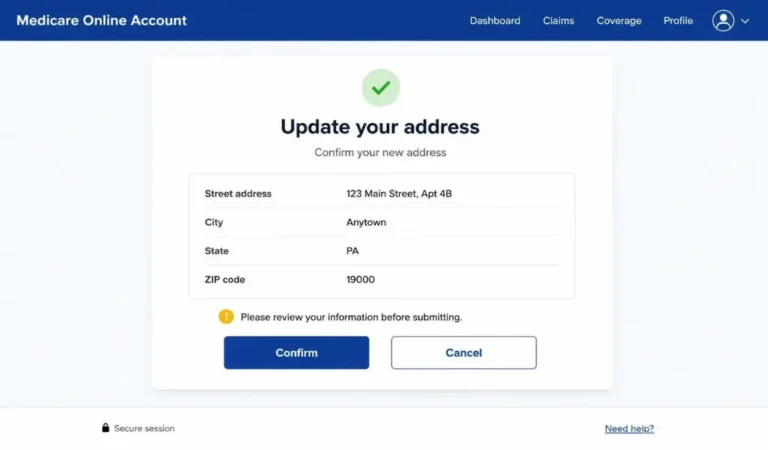
- Update your address and other personal details
- View and manage your immunisation history
- Add or update family members listed on your Medicare card
Everything is accessible from one dashboard, without needing to contact Medicare directly for routine tasks.
Common Sign-Up Issues and How to Fix Them
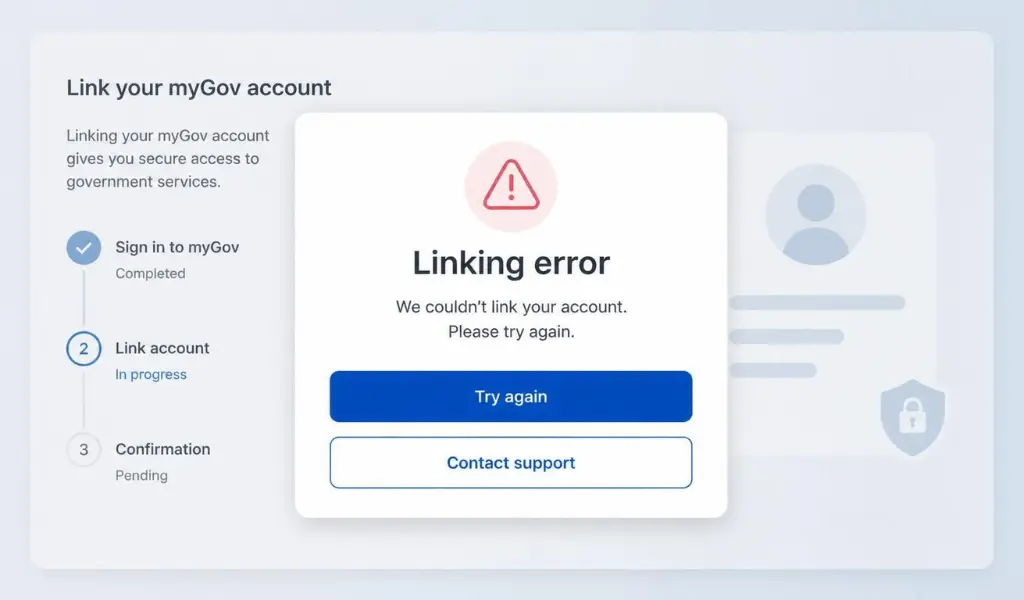
- Medicare card details not matching – Double-check your card number and personal details are entered exactly as they appear on your card.
- Already linked elsewhere – If your Medicare details are already linked to another myGov account, you’ll need to unlink it first, or contact Medicare for help.
- Identity verification failing – Make sure your name, date of birth, and address match what Medicare has on file.
- No Medicare card yet – You’ll need to enrol for a Medicare card first before you can link an account.
Signing Up Through the Express Plus Medicare App
Once your myGov and Medicare accounts are linked, you can also access your account through the Express Plus Medicare app, available on Android and iOS. Simply download the app and sign in using your existing myGov details, no separate sign-up is needed.
FAQs About Signing Up for Medicare
Q: Is there a separate Medicare website to sign up on?
No, Medicare online accounts in Australia are accessed and managed through myGov, not a standalone Medicare sign-up site.
Q: Do I need a Medicare card before I can sign up online?
Yes, you’ll need an existing Medicare card to link your account. If you don’t have one yet, you’ll need to enrol for a card first.
Q: Is signing up for a Medicare online account free?
Yes, creating a myGov account and linking Medicare is completely free.
Q: Can I sign up for Medicare if I’m not an Australian citizen?
Some visa holders and residents from countries with a reciprocal health care agreement with Australia can access Medicare, though eligibility varies by visa type.
Q: What do I do if my Medicare details won’t link to myGov?
Double-check that your name, date of birth, and Medicare card number match exactly, and try again. If it still doesn’t work, contact Medicare directly for help.
Conclusion
Signing up for Medicare online in Australia is a straightforward process once you understand it happens through myGov rather than a separate Medicare account system. With your account linked, you’ll have quick access to your claims, card details, and personal information, all from one secure dashboard.