What Is myGov? Official Site & How It Works – 2026 Guide
If you’ve searched for myGov, mygov.au, or something close to it, you’ve probably noticed there are a lot of similar-looking spellings and results out there. This guide explains exactly what myGov is, its official website address, and how to make sure you’re always signing in to the real thing rather than a look-alike site.
What Is myGov?
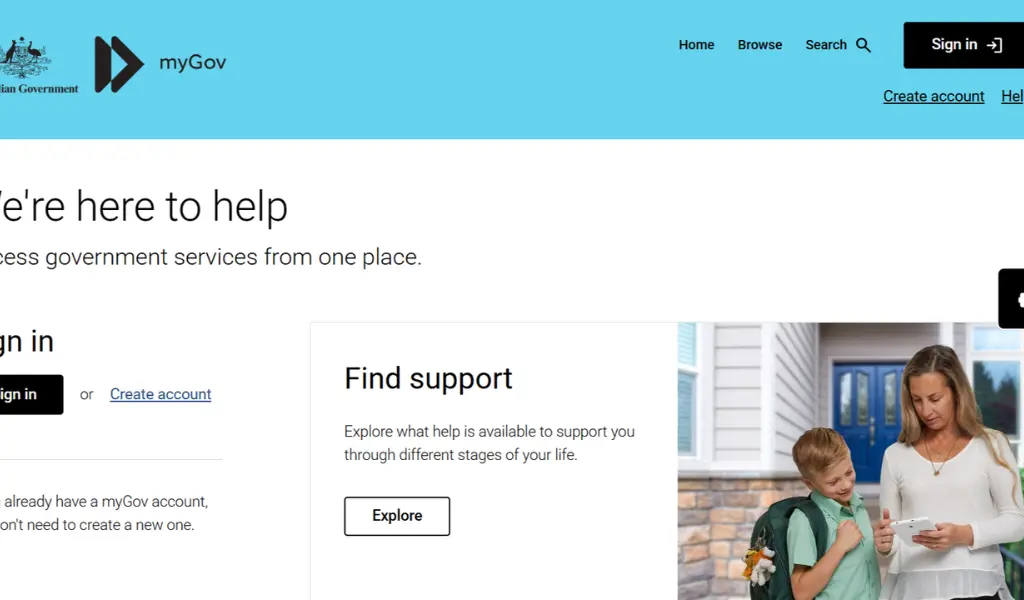
myGov is the Australian Government’s secure online portal that gives you a single login to access multiple government services, including Centrelink, Medicare, Child Support, and the Australian Taxation Office (ATO). Instead of remembering separate logins for each service, you sign in once through myGov and access everything from one dashboard.
myGov itself doesn’t provide payments or services directly, it’s the secure gateway that connects you to the government agencies that do.
The Official myGov Website
The only official myGov website is:
my.gov.au
There is no dot-com, no separate “mygov login” site, and no app-store login page outside the official Express Plus and myGov apps. If a website looks similar but isn’t exactly my.gov.au, treat it with caution.
Why Are There So Many Spelling Variations?
Search terms like “mygove,” “mygocv,” “myfov,” or “my gpv” are simply common typos, since myGov is typed millions of times a day across Australia. This is also exactly the kind of pattern scam websites try to exploit, by registering similar-looking domains hoping people land there by mistake. It’s a good reminder to always type or bookmark my.gov.au directly, rather than clicking links from search results, texts, or emails claiming to be myGov.
myGov vs Other Government Portals
It’s worth knowing that not every “.gov” website with a similar name is connected to Australia’s myGov:
- my.gov.au – Australia’s official myGov portal (this one)
- State government portals, such as South Australia’s service portals – separate systems run by individual states, not part of federal myGov
- International portals with similar names – other countries, such as Ireland, run their own separate “MyGovID” or equivalent services, entirely unrelated to Australia’s myGov
If you’re an Australian resident trying to access Centrelink, Medicare, or the ATO, my.gov.au is always the correct starting point.
What Can You Access Through myGov?
Once signed in, myGov connects you to a range of linked government services, most commonly:
- Centrelink – payments, claims, and personal details
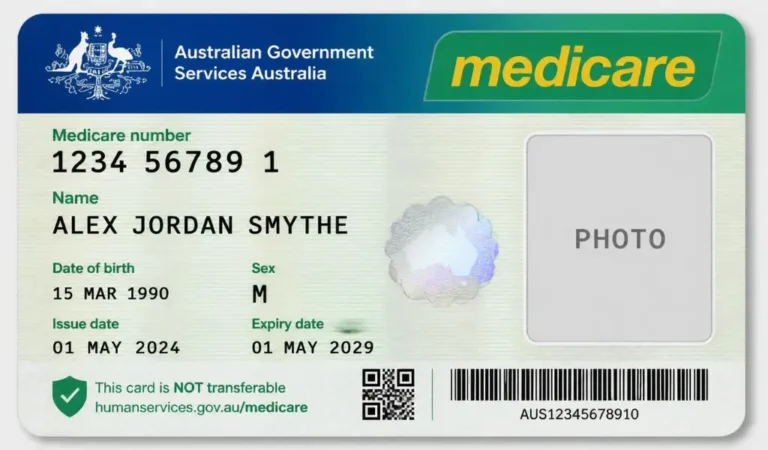
- Medicare – claims history, card details, and immunisation records
- Child Support – payment arrangements and account details
- Australian Taxation Office (ATO) – tax returns, income statements, and superannuation details
You choose which services to link to your myGov account, and you can add or remove them at any time.
How to Sign In to myGov Safely
- Type my.gov.au directly into your browser, or use a saved bookmark.
- Avoid clicking myGov links sent via SMS or email, even if they look official.
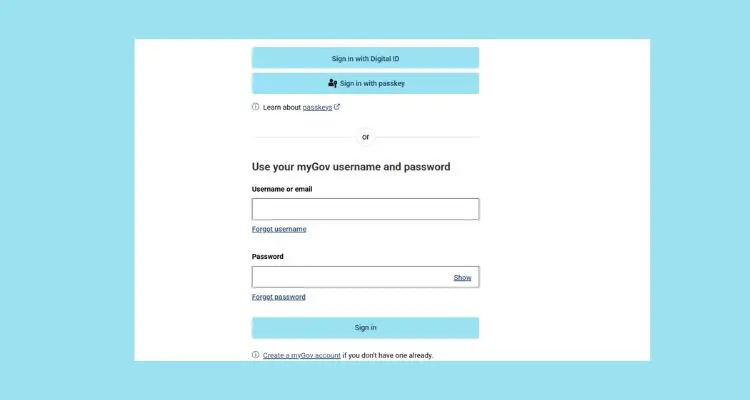
- Enter your username and password, then complete your chosen sign-in option, such as an SMS code or the myGov code app.
- Once signed in, you’ll see your dashboard with all your linked services.
For a full step-by-step walkthrough, including account creation, password resets, and troubleshooting, see our detailed myGov login guide.
How to Spot a Fake myGov Website or Message
Scam messages claiming to be from myGov or Centrelink are common, and they often try to create urgency. Signs of a scam include:
- A web address that isn’t exactly my.gov.au
- Messages asking you to click a link and enter your myGov password
- Requests for payment, gift cards, or banking details “to release a payment”
- Poor spelling, generic greetings, or unexpected urgency (“act now or lose your payment”)
If you’re ever unsure, don’t click the link. Go directly to my.gov.au yourself and check your account for any genuine messages.
FAQs About myGov
Q: What is the correct myGov website address?
The only official myGov website is my.gov.au. Any other similar-looking address should be treated with caution.
Q: Is myGov the same as Centrelink?
No, myGov is the login portal. Centrelink, Medicare, Child Support, and the ATO are separate services you access through myGov once you’ve linked them.
Q: Why do I see so many different spellings when I search for myGov?
Most are simply common typing mistakes, since myGov is one of the most frequently searched government terms in Australia. Always double-check you’re on my.gov.au before entering any personal details.
Q: Is there a myGov app?
Yes, individual services like Centrelink and Medicare have their own Express Plus apps, which use your myGov login to sign in.
Q: How do I actually log in to myGov?
See our full myGov login guide for a complete step-by-step walkthrough, including troubleshooting and password reset steps.
Conclusion
myGov is the secure, official gateway to Centrelink, Medicare, Child Support, and the ATO, always accessed at my.gov.au. With so many similar spellings and unofficial-looking results floating around online, sticking to the official address and staying alert to scam messages is the easiest way to keep your account, and your personal information, safe.