How Do I Change My Address With Medicare? – 2026 Guide
If you’ve moved house, updating your address with Medicare only takes a few minutes online, and you don’t need to visit a service centre or make a phone call. This guide walks you through exactly how to update your address through your Medicare online account, along with a couple of alternative options if you’d rather not do it online.
Why It’s Important to Update Your Medicare Address
Keeping your address current with Medicare matters for a few reasons. It’s where any replacement Medicare card will be posted, it can affect correspondence about your Medicare claims and entitlements, and having accurate details on file helps avoid delays if you ever need supporting documents sent to you. It’s a small task, but worth doing as soon as you move.
Requirements Before You Update Your Address
Before you start, make sure you have:
- A myGov account linked to Medicare
- Your new residential address, and postal address if it’s different
- A stable internet connection
If you’re not yet linked to Medicare through myGov, you’ll need to set that up first.
Step-by-Step Guide: How to Update Your Medicare Address Online
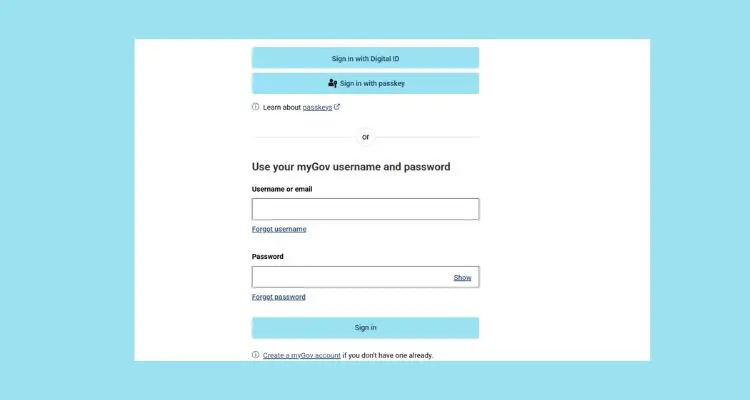
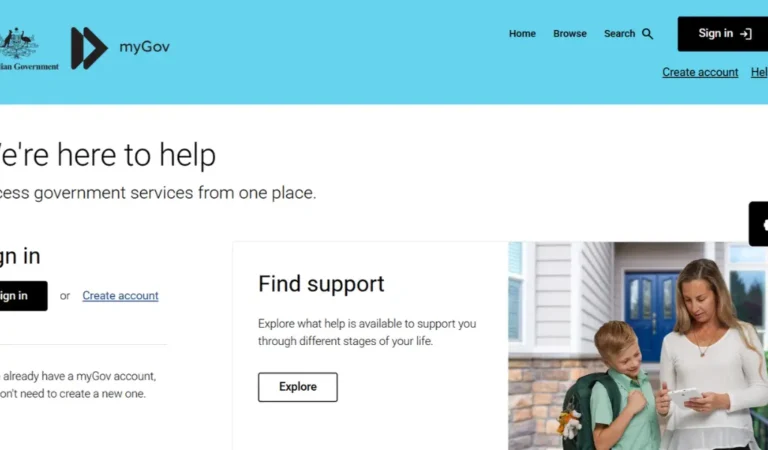
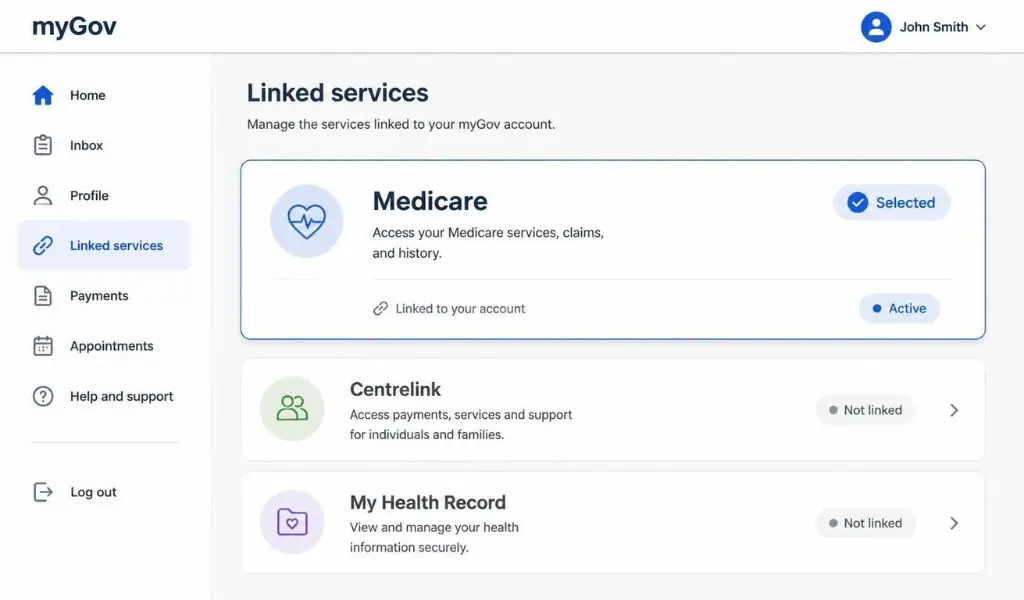
- Go to my.gov.au and sign in with your myGov username and password.
- Select Medicare from your list of linked services.
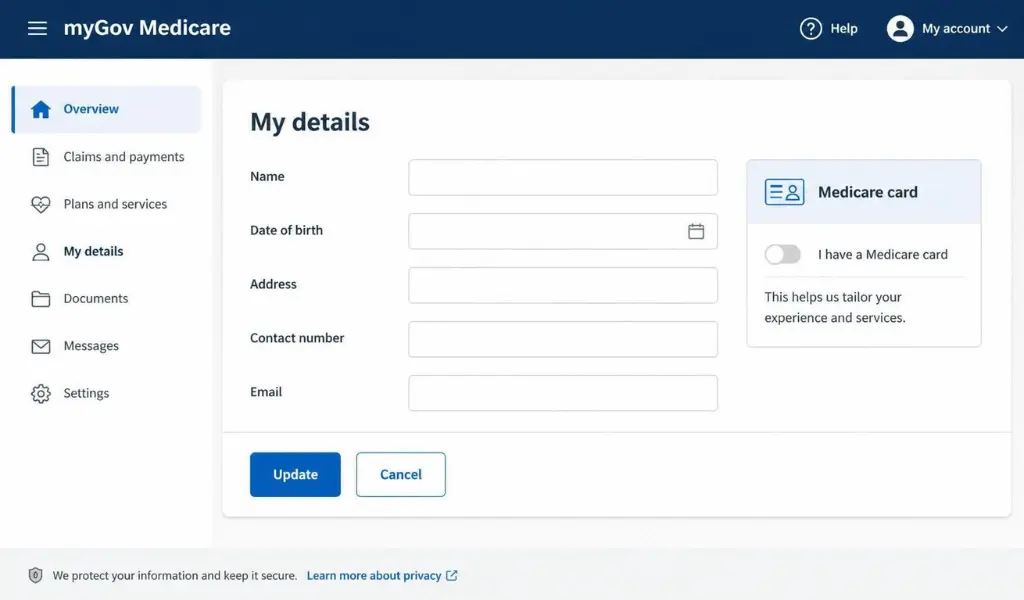
- Go to My details.
- Select Update address.
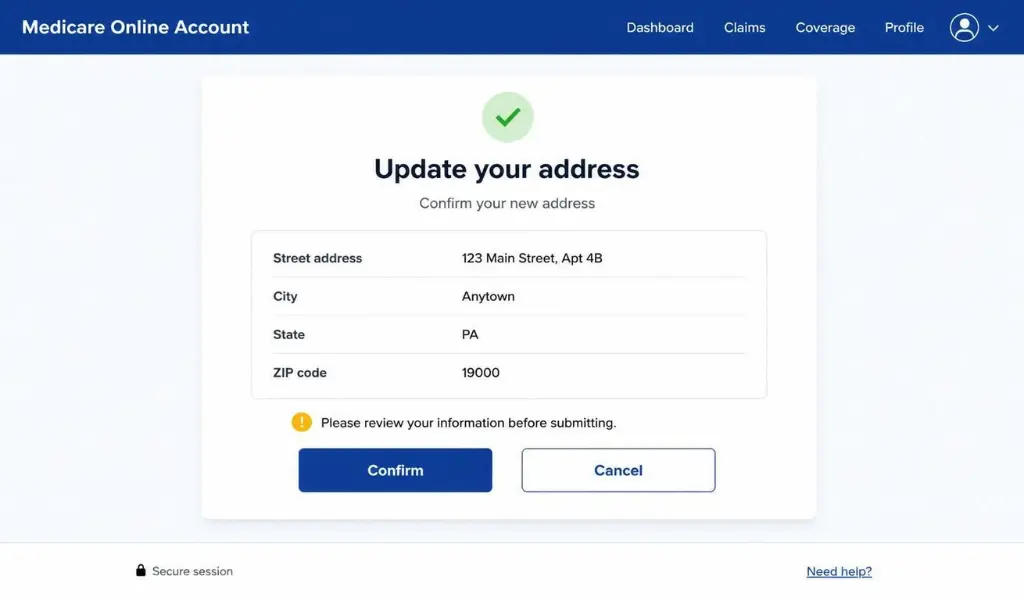
- Enter your new residential address, and your postal address if it’s different.
- Review your changes and select Save or Submit.
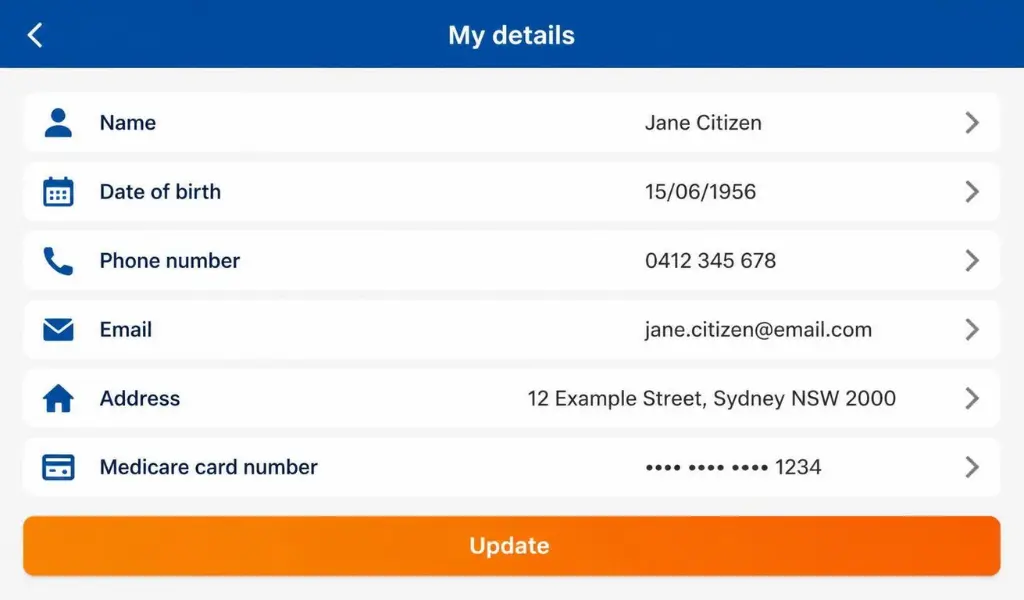
Your new address is generally updated immediately, and no supporting documents are usually required for a simple address change.
How to Update Your Address Using the Express Plus Medicare App
If you’d prefer to do it from your phone, the Express Plus Medicare app lets you update your address just as easily.
- Open the Express Plus Medicare app and sign in with your myGov details.
- Select My details.
- Select Update address and enter your new details.
- Confirm and submit the update.
This is a convenient option if you’re updating your details while you’re out and about, such as right after signing a new lease.
Does Updating My Medicare Address Also Update Centrelink and Child Support?
Not automatically. Even though Medicare, Centrelink, and Child Support are all part of Services Australia and share the same myGov login, each service keeps its own separate records. If you also receive Centrelink payments or manage Child Support, you’ll need to update your address separately in each of those sections through myGov.
What to Do If You Can’t Update Your Address Online
If you’re not able to update your address through myGov or the app, you have two other options:
- Call the Medicare general enquiries line and ask a service officer to update your address over the phone.
- Visit a Services Australia service centre in person with valid ID.
Setting up your Medicare online account is usually the fastest option for future updates, so it’s worth doing once your address change is sorted.
Common Issues When Updating Your Medicare Address
Here’s how to fix the problems people run into most often:
- Medicare option not appearing after signing in to myGov – Make sure Medicare is properly linked to your myGov account.
- Address not saving – Double-check that all required fields, including suburb, state, and postcode, are filled in correctly.
- Different postal and residential address needed – Use the option to enter a separate postal address if your mail goes somewhere different to where you live.
- Update not reflected on other services – Remember to update Centrelink and Child Support separately, as they aren’t automatically linked.
Do I Need to Update My Medicare Card After Changing My Address?
No, your Medicare card itself doesn’t include your address, so you don’t need a replacement card just because you’ve moved. Updating your address in your Medicare online account is enough to keep your records current.
FAQs About Changing Your Medicare Address
Q: How long does it take for my new Medicare address to update?
Updates made through myGov or the Express Plus Medicare app are usually applied immediately.
Q: Do I need to provide proof of my new address?
For most simple address changes, no supporting documents are required, though Medicare may occasionally ask for verification in some circumstances.
Q: Will changing my Medicare address also update my Centrelink details?
No, each service under Services Australia keeps separate records, so you’ll need to update your address in Centrelink and Child Support separately if those apply to you.
Q: Can I update my address without a myGov account?
Yes, you can call the Medicare general enquiries line or visit a service centre in person, though updating online is usually the quickest option.
Q: Do I need a new Medicare card after moving house?
No, your address isn’t printed on your Medicare card, so a simple address change doesn’t require a replacement card.
Conclusion
Updating your address with Medicare is a quick task once your account is linked to myGov, and it only takes a few minutes online or through the Express Plus Medicare app. Just remember that Centrelink and Child Support keep separate records, so update those too if they apply to you, to keep all your Services Australia details consistent.