How Do I Get a New Medicare Card? – 2026 Guide
If your Medicare card has been lost, stolen, damaged, or has simply expired, you don’t need to visit a service centre to sort it out. You can request a replacement Medicare card online in just a few minutes through myGov, and a new card will be posted straight to your address. This guide walks you through exactly how to do it, step by step.
When You Need a New Medicare Card
There are a few common situations where you’ll need a replacement:
- Your card has been lost or misplaced
- Your card has been stolen
- Your card is damaged, and the details are hard to read
- Your card has expired
- Your name or details have changed, such as after marriage
- A new family member, such as a baby, needs to be added to your card
Whatever the reason, the replacement process is the same and can be done entirely online.
Requirements Before You Apply
Before you start, make sure you have:
- A myGov account linked to Medicare
- Your Medicare number, if you still have it (not essential, but helpful)
- Your current address on file, or updated details ready to enter
- A stable internet connection
If you’re not already linked to Medicare through myGov, you’ll need to do that first before requesting a replacement card.
Step-by-Step Guide: How to Order a Replacement Medicare Card Online
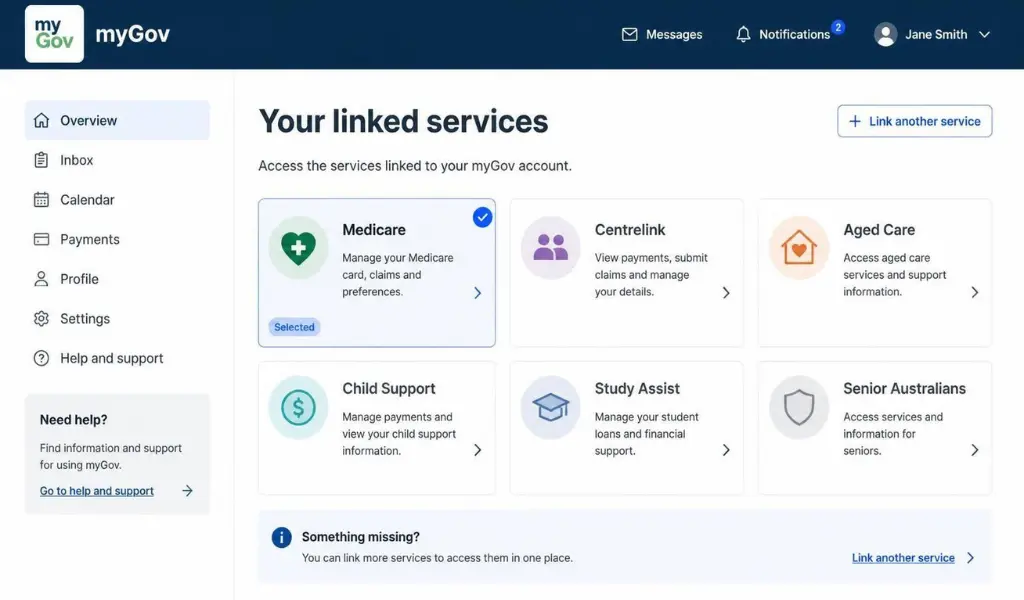
- Go to my.gov.au and sign in with your myGov username and password.
- Select Medicare from your list of linked services.
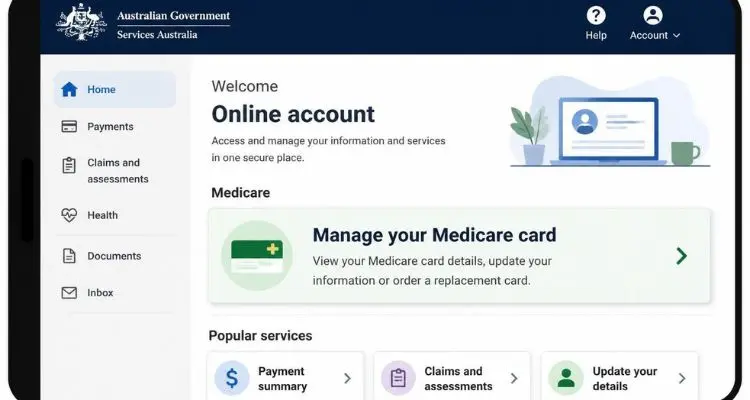
- Go to My details, then select Manage your Medicare card.
- Choose the reason for your request, such as lost, stolen, damaged, or expired.
- Confirm your postal address, or update it if it has changed.
- Submit your request.
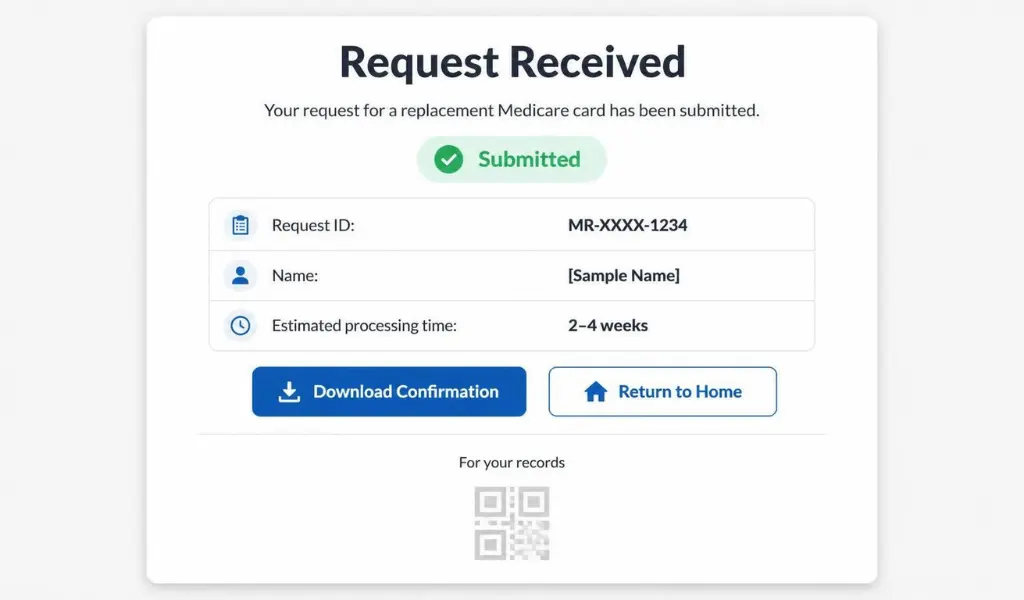
Your new card is generally posted within 7 to 10 business days, and no fee applies.
How to Replace Your Medicare Card Using the Express Plus Medicare App
If you’d rather use your phone, the Express Plus Medicare app lets you do the same thing on the go.
- Open the Express Plus Medicare app and sign in with your myGov details.
- Select Manage your Medicare card.
- Choose your reason for the replacement and confirm your address.
- Submit the request, and you’re done.
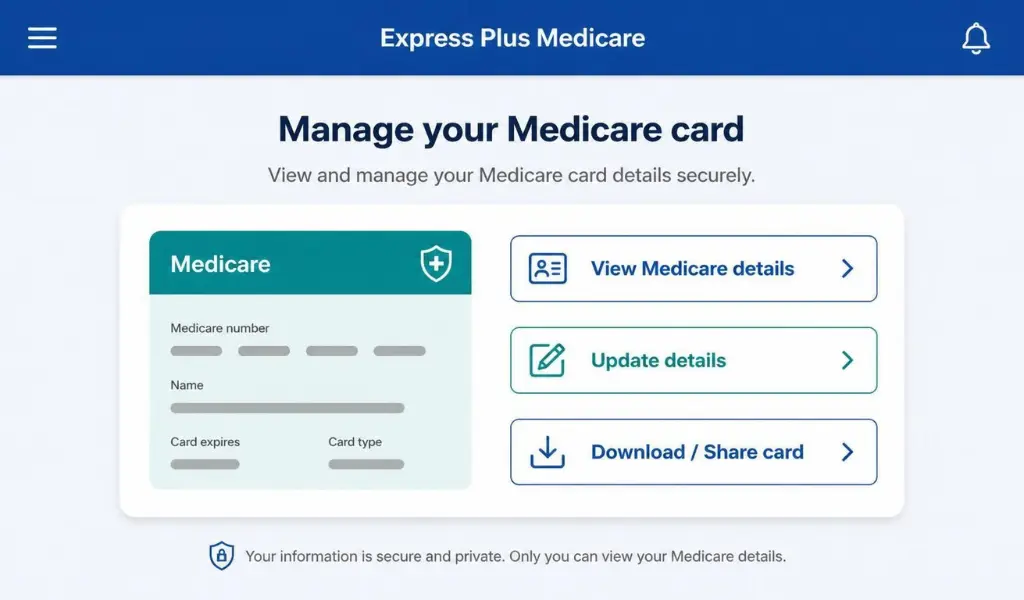
This is often the quickest option if you’re already used to managing your Medicare details on mobile.
What to Do If You Can’t Access myGov
If you don’t have a myGov account set up yet, or you’re having trouble linking Medicare, you have two other options:
- Call the Medicare general enquiries line and request a replacement card over the phone.
- Visit a Services Australia service centre in person with valid ID to request your card face to face.
Setting up myGov first is usually the faster option going forward, since it lets you manage your card, claims, and details anytime without needing to call or visit in person.
What to Do While You’re Waiting for Your New Card
Losing your Medicare card doesn’t mean you can’t access healthcare in the meantime. You can still:
- See a doctor and provide your Medicare number from memory, a photo, or your Medicare online account
- Show your Medicare details digitally through the Express Plus Medicare app, which displays your card details even before the physical card arrives
- Use your Medicare online account through myGov to view your card number and details at any time
There’s usually no need to delay medical appointments while your replacement is in the post.
Common Issues When Requesting a Replacement Medicare Card
Here’s how to fix the problems people run into most often:
- Medicare option not appearing after signing in to myGov – Make sure Medicare is properly linked to your myGov account first.
- Address details out of date – Update your address in myGov before submitting your card request, so it’s posted to the right place.
- Family members missing from the card – Newborns and other dependants sometimes need to be added separately before they appear on a replacement card.
- Card hasn’t arrived after 10 business days – Contact Medicare directly to confirm the request was processed and check on delivery.
How Long Does It Take to Get a New Medicare Card?
Replacement Medicare cards are typically posted within 7 to 10 business days of your request being submitted online or through the app. If you need proof of your Medicare details sooner, your digital card in the Express Plus Medicare app or myGov account can be used in the meantime, and most healthcare providers will accept this.
FAQs About Getting a New Medicare Card
Q: Is there a fee to replace a lost or stolen Medicare card?
No, requesting a replacement Medicare card through myGov or the Express Plus Medicare app is free of charge.
Q: Can I get a replacement Medicare card the same day?
A physical card usually takes 7 to 10 business days to arrive, but you can access your Medicare details digitally straight away through the Express Plus Medicare app.
Q: Do Medicare cards expire?
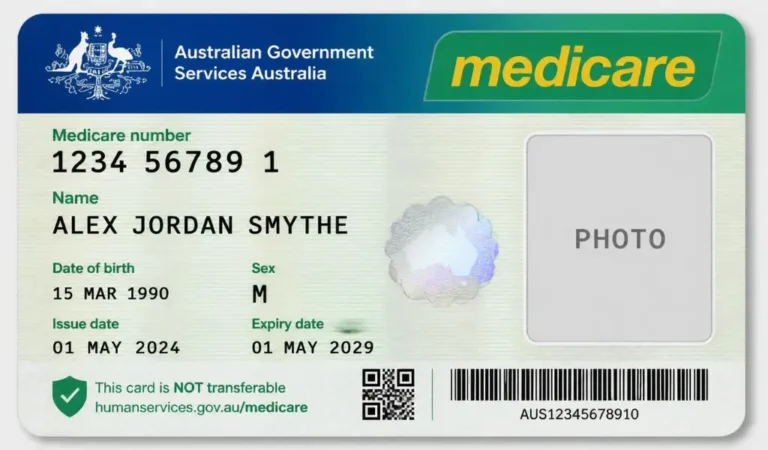
Yes, Medicare cards have an expiry date printed on them. You can request a new one shortly before it expires, or Medicare may automatically issue one to eligible members.
Q: What if my details have changed, like my name or address?
Update your details in myGov before requesting your replacement card, so your new card reflects your current information.
Q: Can someone else request a replacement card on my behalf?
In most cases, you’ll need to request it yourself through your own myGov account, unless you have an authorised representative or nominee set up with Medicare.
Conclusion
Getting a new Medicare card after losing, damaging, or simply outgrowing your old one is a quick process once you know where to look. With your Medicare account linked to myGov, you can request a replacement in just a few clicks, and use your digital card in the meantime while you wait for the new one to arrive.